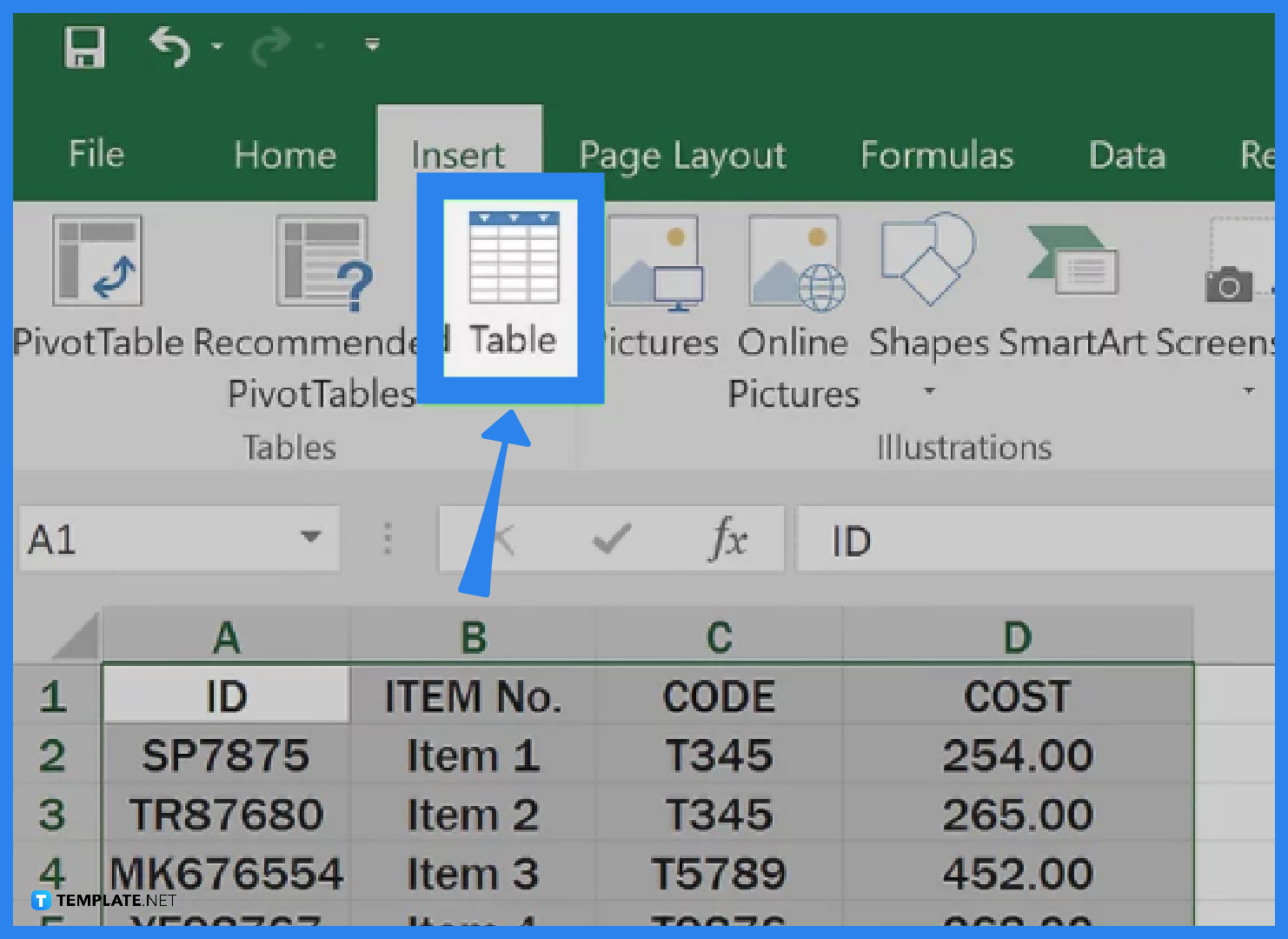
Don’t leave a blank row in the middle of your table. Excel gets confused, like a GPS that suddenly loses signal. Keep your data continuous, and your table will behave like a loyal puppy.
Use the Total Row feature. Click anywhere in the table, go to the “Table Design” tab that appears, and check “Total Row.” A new row appears at the bottom that can instantly sum, count, or average everything above. It’s like having a calculator built into your furniture.
Change the style if you’re bored with the default. In that same “Table Design” tab, you’ll find dozens of color combos. Want a calm green table for your savings? Go for it. A loud red one for your deadlines? Be my guest. Your table, your vibes.
The Real Takeaway
Creating a table in Excel isn’t about being technical. It’s about decluttering your brain. You stop remembering where you put that one number and start using the numbers to make better decisions. It’s the difference between a messy closet and a walk-in that sparks joy.
So next time you have a list—movie ratings, grocery prices, workout sets, or even which neighbor has the best holiday lights—drop it into a table. You’ll wonder how you ever lived without those neat little stripes and helpful arrows. And honestly? You’ll feel a little bit like a spreadsheet superhero.

